
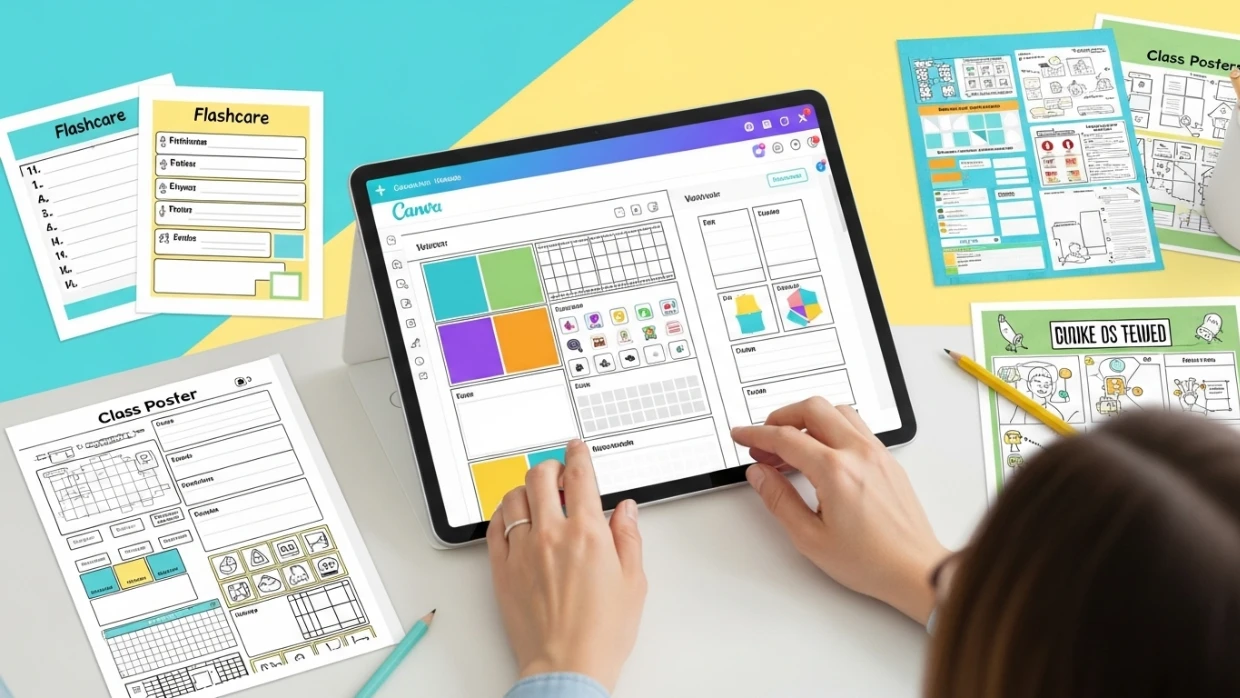
Learn how to use Canva to create beautiful, time-saving classroom materials that captivate students and simplify lesson prep.

Discover how to organize, plan, and collaborate efficiently using Google Workspace tools tailored for teachers.
When I first started exploring digital tools for teaching, Google Drive felt like a maze—full of possibilities but a bit overwhelming. As someone who wasn’t very tech-savvy, I found it challenging to navigate. However, with time and practice, I discovered how these tools could make my teaching more organized, efficient, and even fun.
Google Workspace offers a range of tools that can simplify lesson planning, enhance collaboration, and save time. Here’s a beginner-friendly guide to help you get started:
Google Drive is a cloud-based storage space where you can organize all your teaching materials—lesson plans, worksheets, presentations, and more.
Google Docs allows you to create, edit, and share documents in real-time. No more emailing files back and forth—just share a link, and colleagues or students can collaborate instantly.
Google Slides is perfect for creating interactive presentations. It’s simple to add images, videos, and even animations to make lessons more dynamic.
Google Forms is a powerful tool for creating quizzes, surveys, and feedback forms. It automatically collects and organizes responses, saving you time.
Google Calendar helps you manage your schedule, set reminders, and even plan lessons. You can create events, share calendars with colleagues, and get notifications so you never miss an important date.
Learning to use Google Workspace might seem intimidating at first, but once you get the hang of it, it becomes an invaluable tool for teaching. These simple tools have helped me stay organized, foster student collaboration, and save precious time. Start small, explore one tool at a time, and soon you’ll find your own creative ways to enhance your classroom with technology.
Learn how to use Canva to create beautiful, time-saving classroom materials that captivate students and simplify lesson prep.
Daily habits and reflections that help you recharge and stay inspired as an educator.
Simple tools to stay calm and grounded even on the toughest teaching days.

Finding Time for Yourself As a former language school director juggling teachers, students, families, and schedules, and as a mother of three children, I understand how easily teaching can spill into every corner of your life. Add lesson planning, grading, and professional development to the mix, and it feels like there’s barely a moment to […]

Modern neuroscience shows that true learning happens when we teach with the brain, not against it. This article explores how visual, social, and emotional factors influence memory and understanding — and how teachers can create classrooms that align with how the brain naturally learns.

Turn lesson plans into real learning experiences with strategies that make planning practical and purposeful.

Reflect on what it means to lead with purpose — in your classroom, school, and beyond.
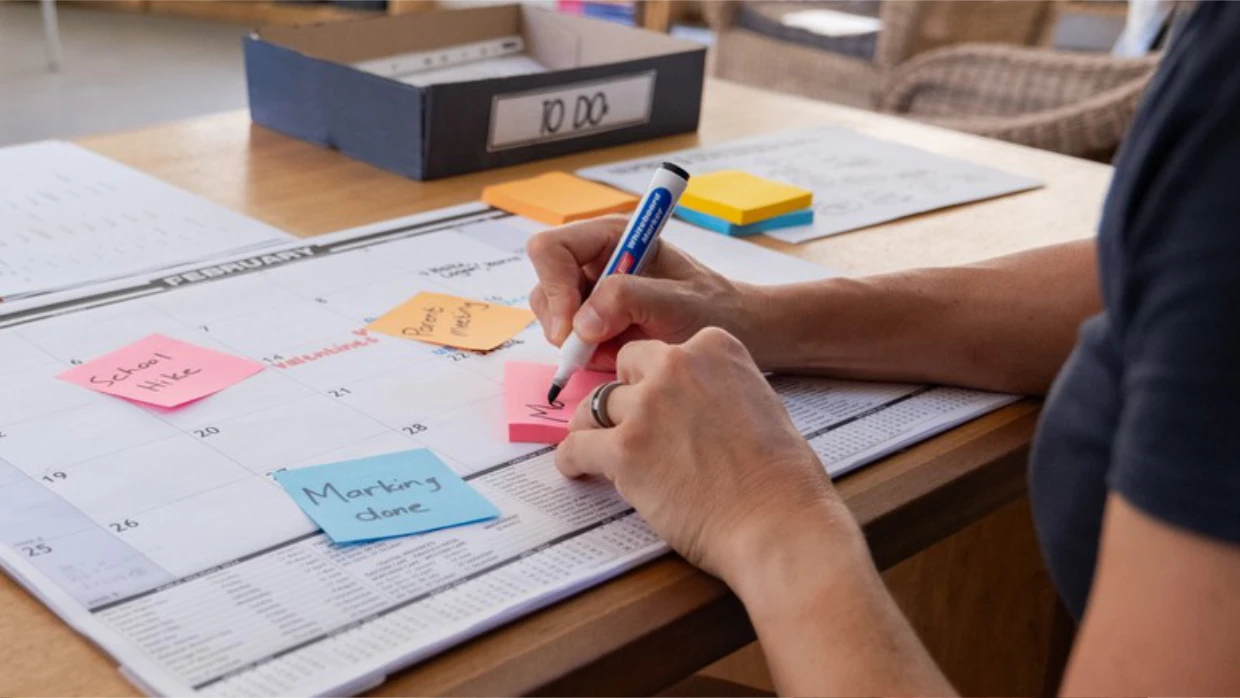
Learn how to design a coherent and flexible curriculum that supports progression, creativity, and active learning.

Privacy Policy | Cookies Policy | Terms of Use